What Scams Try To Do

Common Goals Of Online Scams

Steal Logins

Many scams are designed to trick you into typing your email, password, or verification code into a fake login page.

Pressure You Fast

Scam messages often try to create panic or excitement so you act quickly before stopping to check whether something feels wrong.

Get Money Or Personal Info

Some scams ask for gift cards, bank details, payment information, or private information that can be used for identity theft.

Website Warning Signs
What Shady Websites Look Like

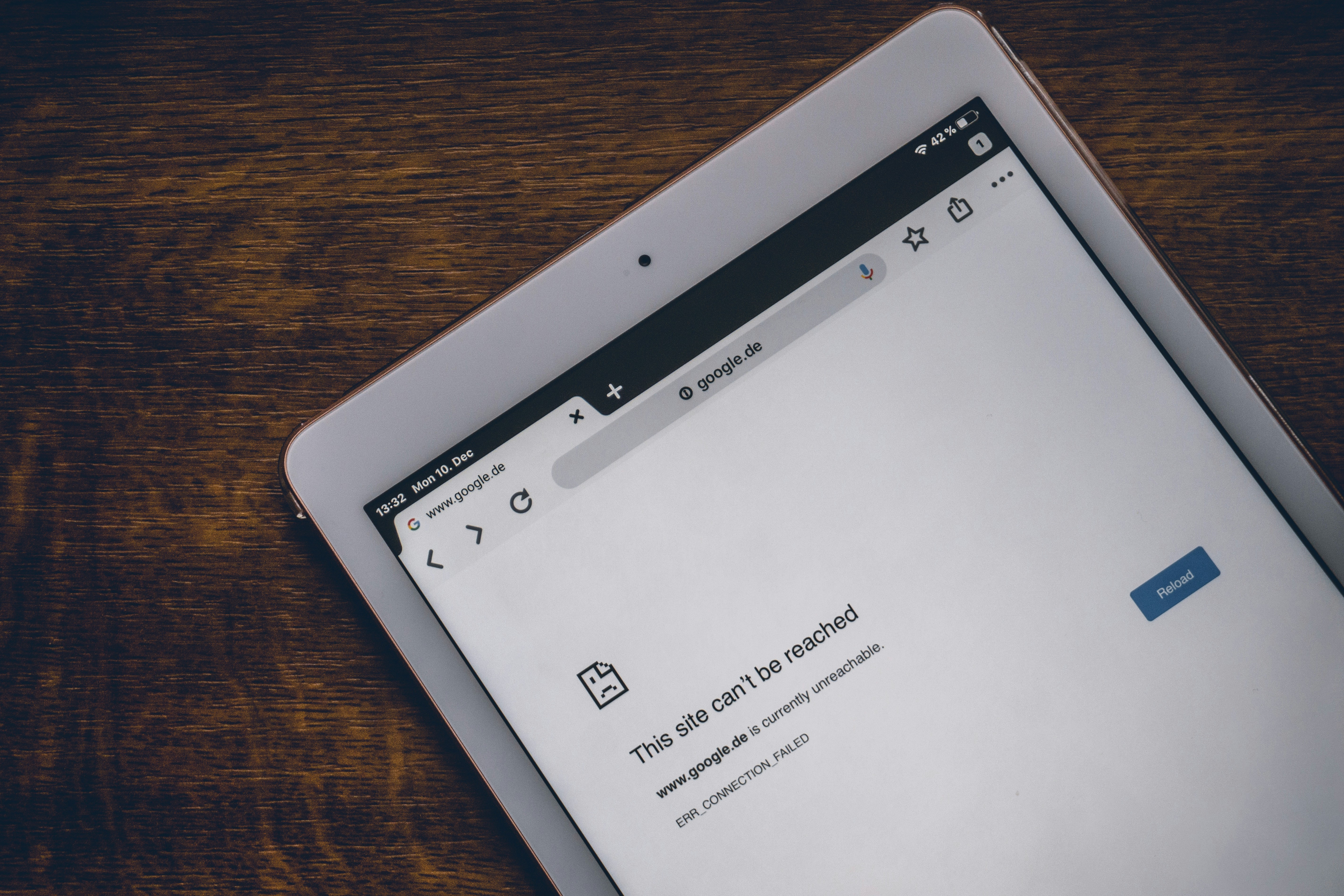
Image of a phone that has google opened that has a site that cannot be reached
Photo by Jonathan Kemper on Unsplash

Strange Web Addresses

Scam websites often use addresses that look close to a real company but are slightly off.

  • extra letters, numbers, or dashes in the domain
  • misspelled brand names
  • random endings that do not match the company you expect
  • pages that ask you to log in right away without much explanation

Poor Design Or Pushy Popups

A shady website may look rushed, unfinished, or overloaded with pressure tactics.
  • broken logos, blurry images, or awkward spacing
  • lots of spelling mistakes
  • constant popups saying your account is in danger or you must act now
  • checkout pages that feel too simple or ask for odd payment methods
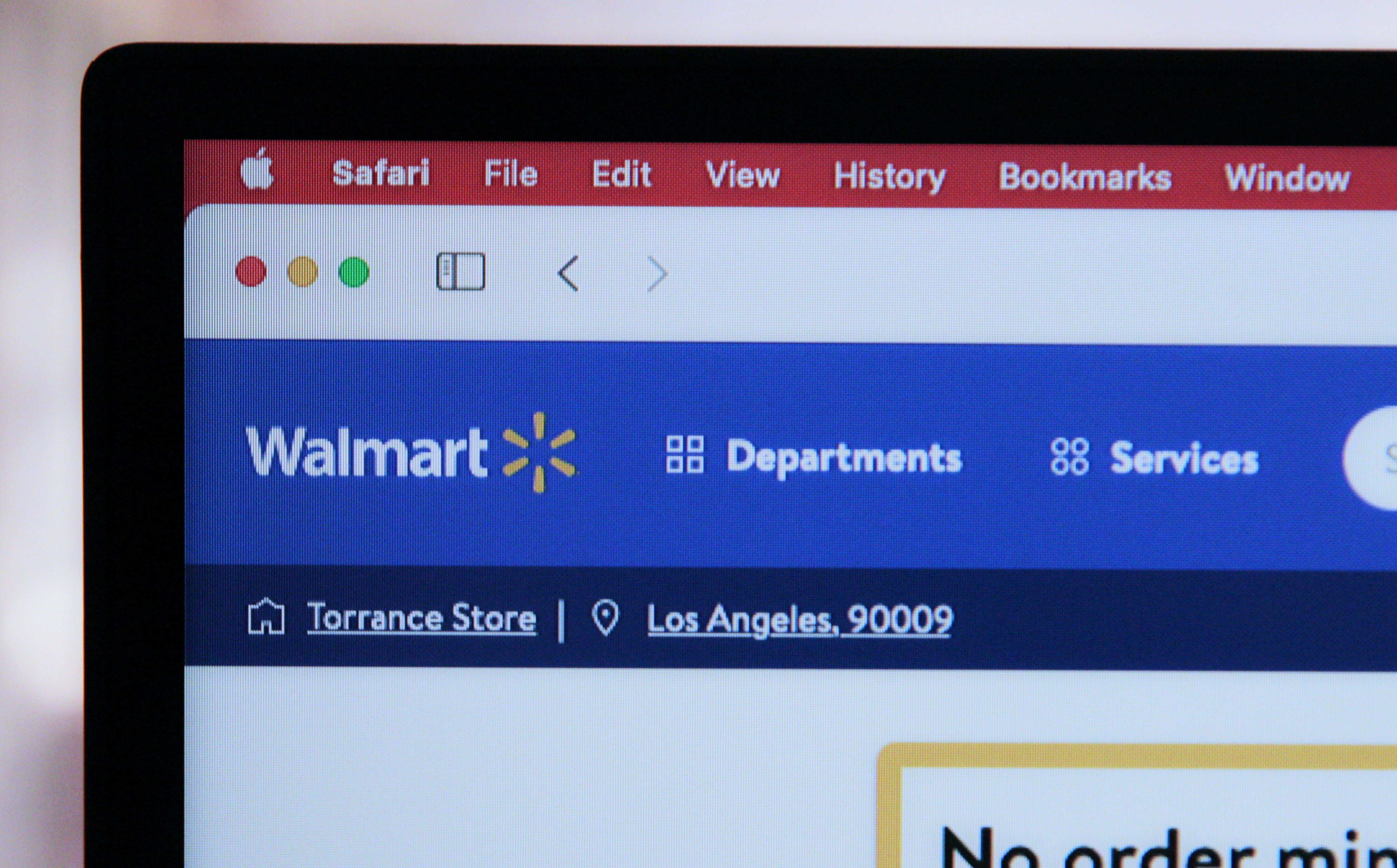
Image of the top left of a computer showing the Walmart logo
Photo by Marques Thomas on Unsplash
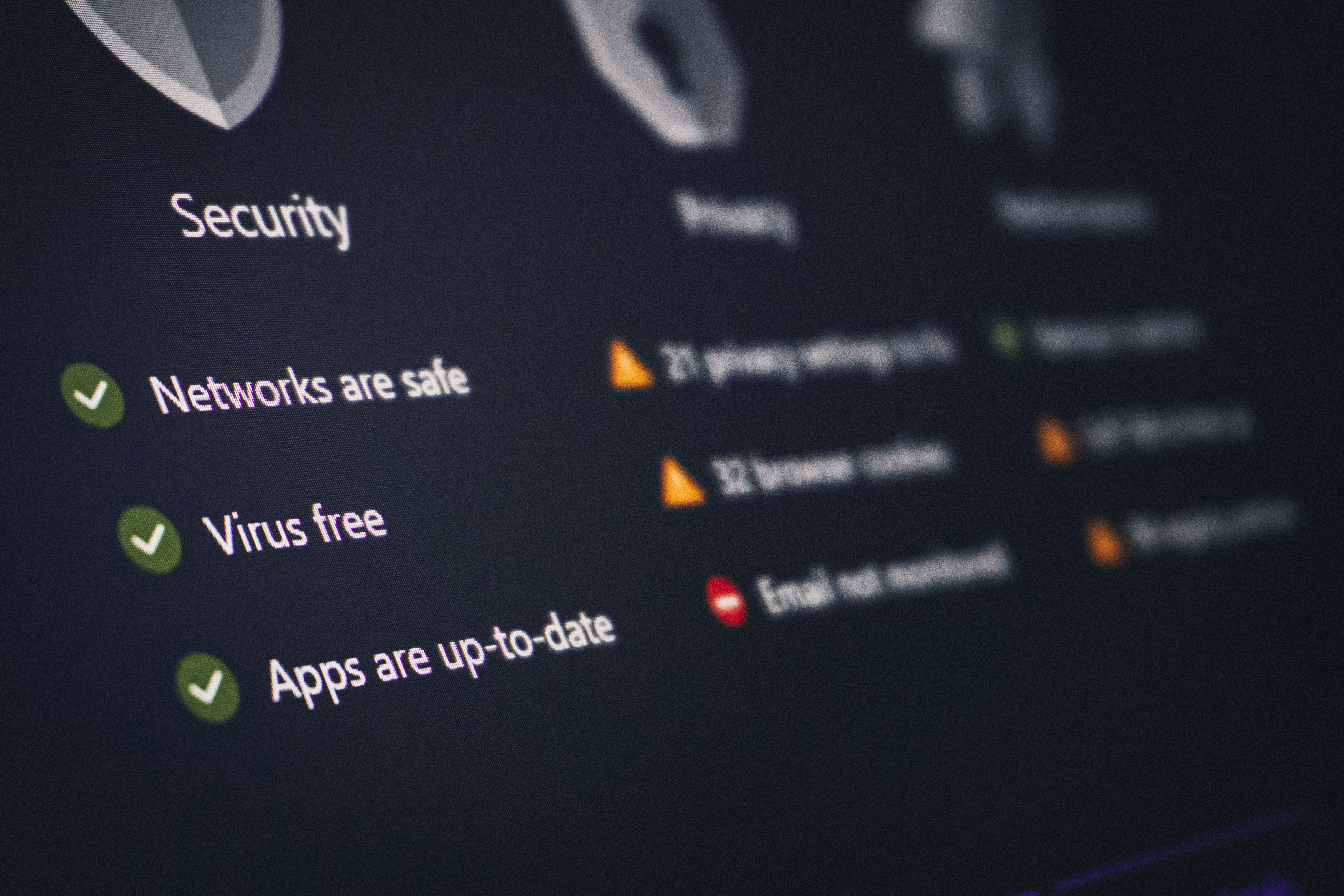
Image of a security pop up showing that everything is good with blurred background showing warnings
Photo by Zulfugar Karimov on Unsplash

Missing Trust Details

Real businesses usually make it easy to find support, policies, and contact information.

  • no real contact page or only a generic form
  • missing refund, privacy, or shipping details
  • reviews that look copied or too perfect
  • requests for payment through gift cards, crypto, or direct transfers

Email And Account Warning Signs

What Shady Emails Or Accounts Look Like

Image that shows the top left of a laptop with the gmail logo showing
Photo by Stephen Phillips - Hostreviews.co.uk on Unsplash

Suspicious Senders

The display name might look normal, but the real sender address can reveal the scam.

  • sender address does not match the company name
  • random letters or numbers in the email address
  • social media accounts with copied profile pictures but slightly different usernames
  • brand-new accounts with almost no real post history

Urgent Or Emotional Language

Scammers want you to panic, get excited, or feel guilty before you think clearly.
  • "your account will be locked today"
  • "click now to claim your prize"
  • "send money now or you will lose access"
  • messages that make big promises with little proof
Image of the mail app on a phone with six notifications
Photo by CHUTTERSNAP on Unsplash
Image of a phone with the welcome message to Gmail
Photo by Solen Feyissa on Unsplash

Unsafe Links And Attachments

A suspicious email or account often includes links or files meant to steal information or install malware.

  • buttons that lead to domains you do not recognize
  • attachments you were not expecting
  • messages asking for passwords, codes, or personal details
  • accounts asking you to move the conversation off-platform right away

Text Message Warning Signs

What Shady Text Messages Look Like

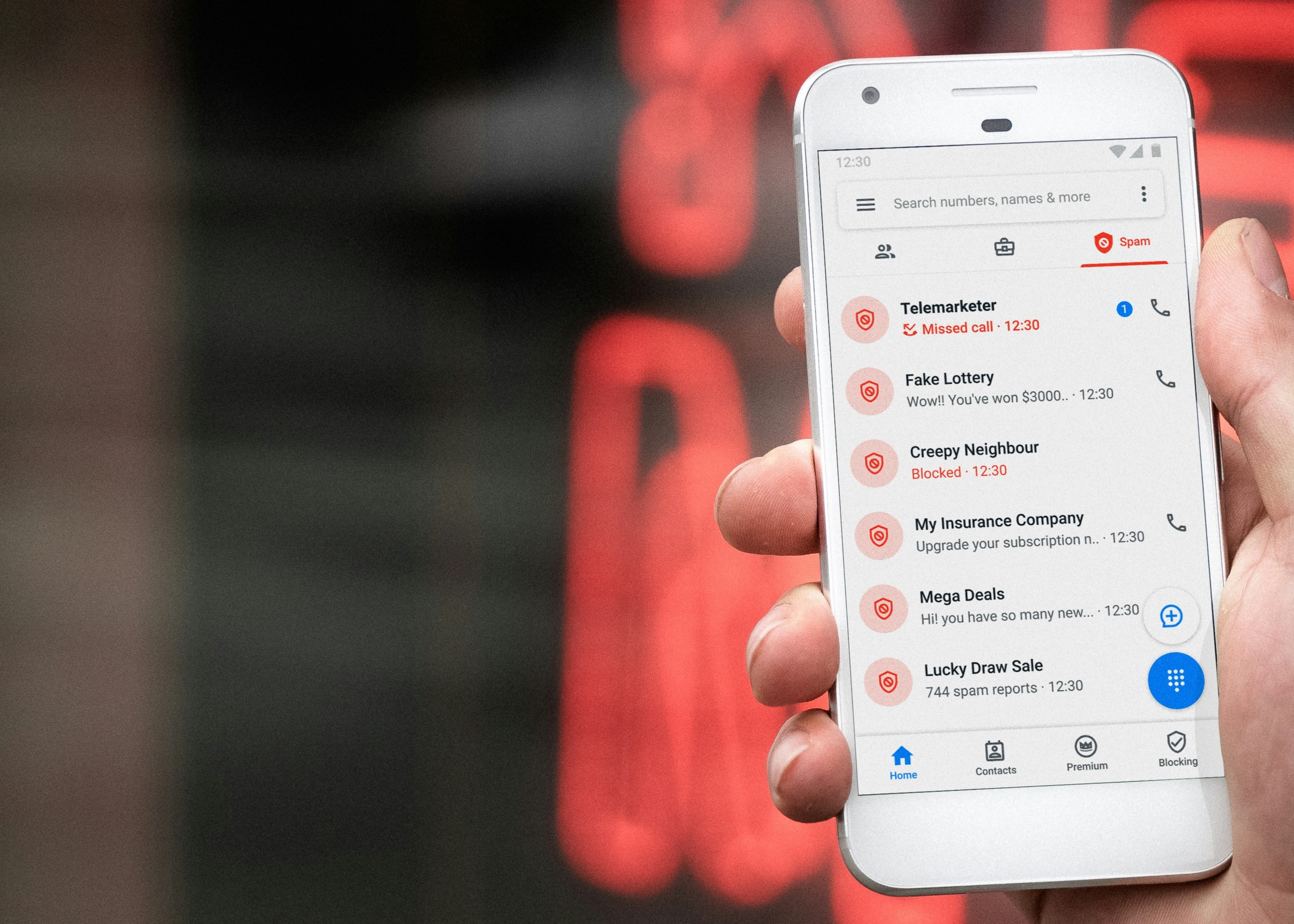
Photo of a phone with fake callers on screen
Photo by Lindsey LaMont on Unsplash

Unknown Numbers And Short Codes

A random text can pretend to be from a bank, delivery company, school, or government office.

  • you do not recognize the number
  • the text feels unrelated to anything you actually did
  • the message says there is a problem with a delivery, payment, or account you were not expecting
  • the sender asks you to reply with personal information

Links That Try To Rush You

Scam texts often include shortened or strange links and try to get a fast click.
  • messages saying your package is waiting but you must act immediately
  • links that do not match the real company website
  • texts claiming you owe a fee or toll and must pay right now
  • messages asking you to confirm your account through a link you did not request
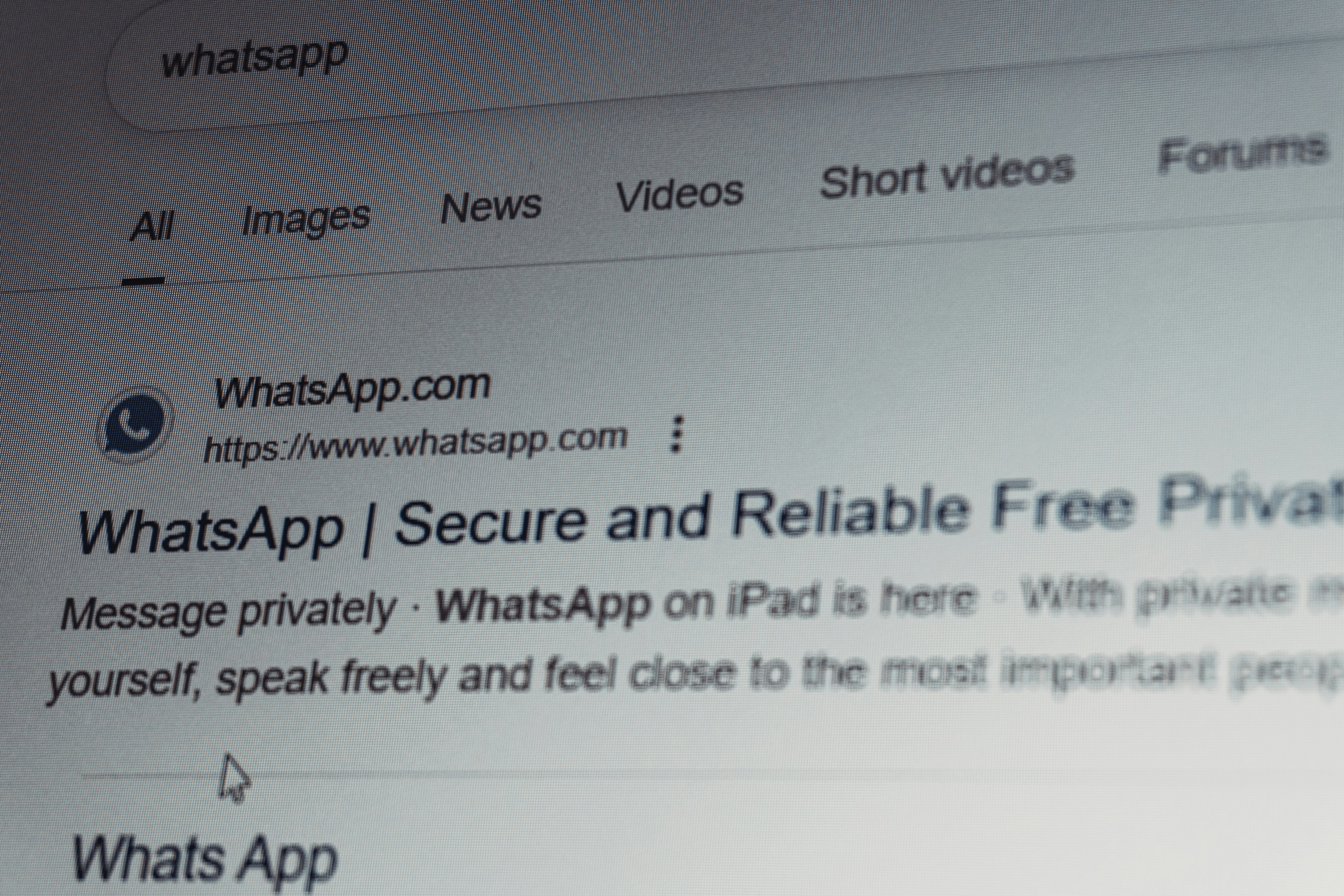
Image showing a Google search for the messaging app WhatsApp
Photo by Zulfugar Karimov on Unsplash
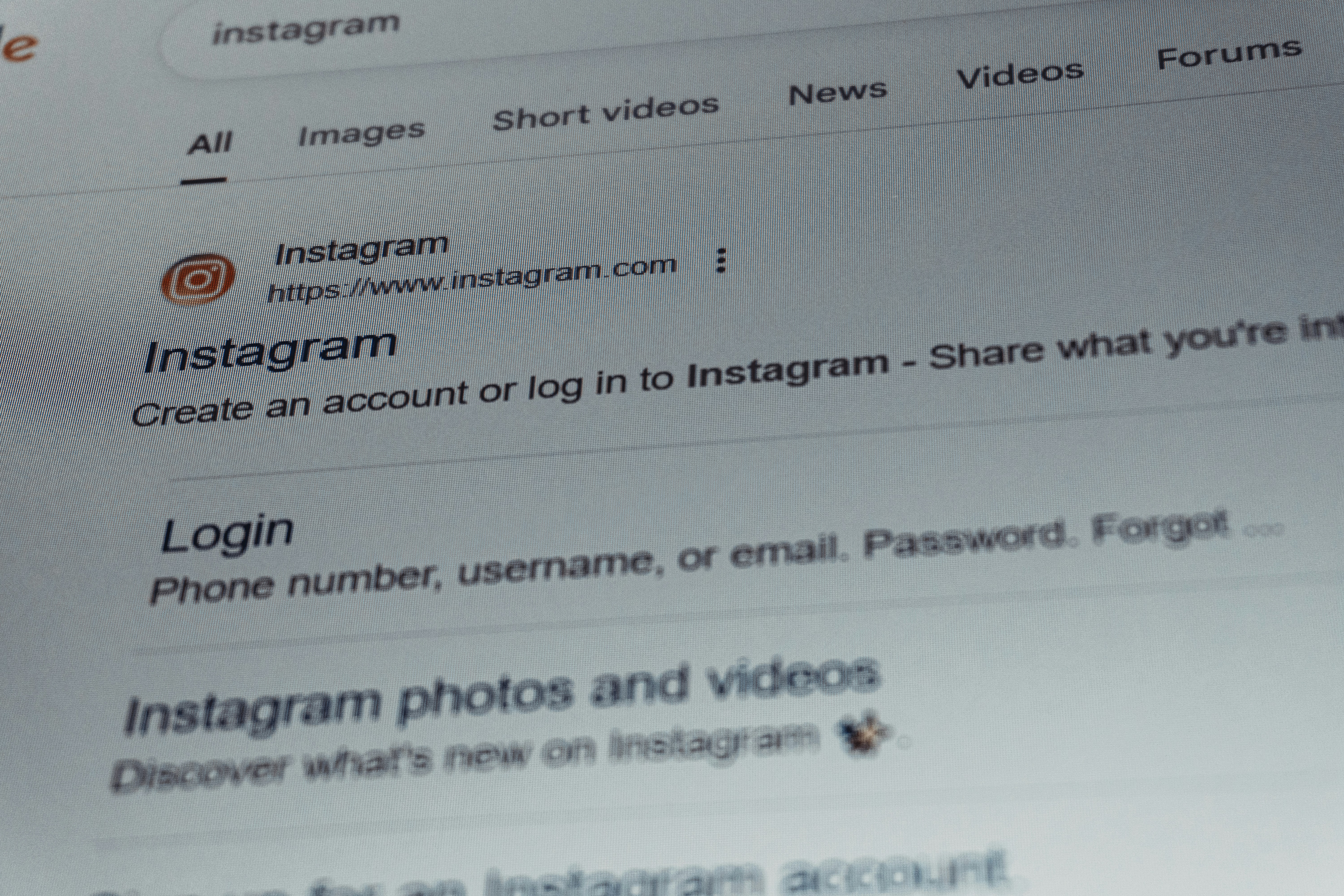
Image showing a Google search for the social media app Instagram
Photo by Zulfugar Karimov on Unsplash

How To Respond Safely

Do not let a text message become your only source of information.

  • do not tap the link right away
  • go to the real company website yourself if you need to check
  • do not send passwords, codes, or payment info through text
  • block and report numbers that keep sending suspicious messages

Quick Reminder

Scams Usually Want A Fast Reaction

Slow down, check the sender, look at the website address, and verify through an official source before clicking a link or sending any information.

Share a Scam