Make Passwords Long
Longer passwords are harder to guess. A password made from several unrelated words is usually easier to remember than one short complicated password.
Password Basics
Longer passwords are harder to guess. A password made from several unrelated words is usually easier to remember than one short complicated password.
Do not use your birthday, pet name, phone number, school name, or anything people could learn from your social media.
If one account gets leaked, reused passwords can let someone break into your email, shopping, gaming, and social media accounts too.
Remembering Passwords
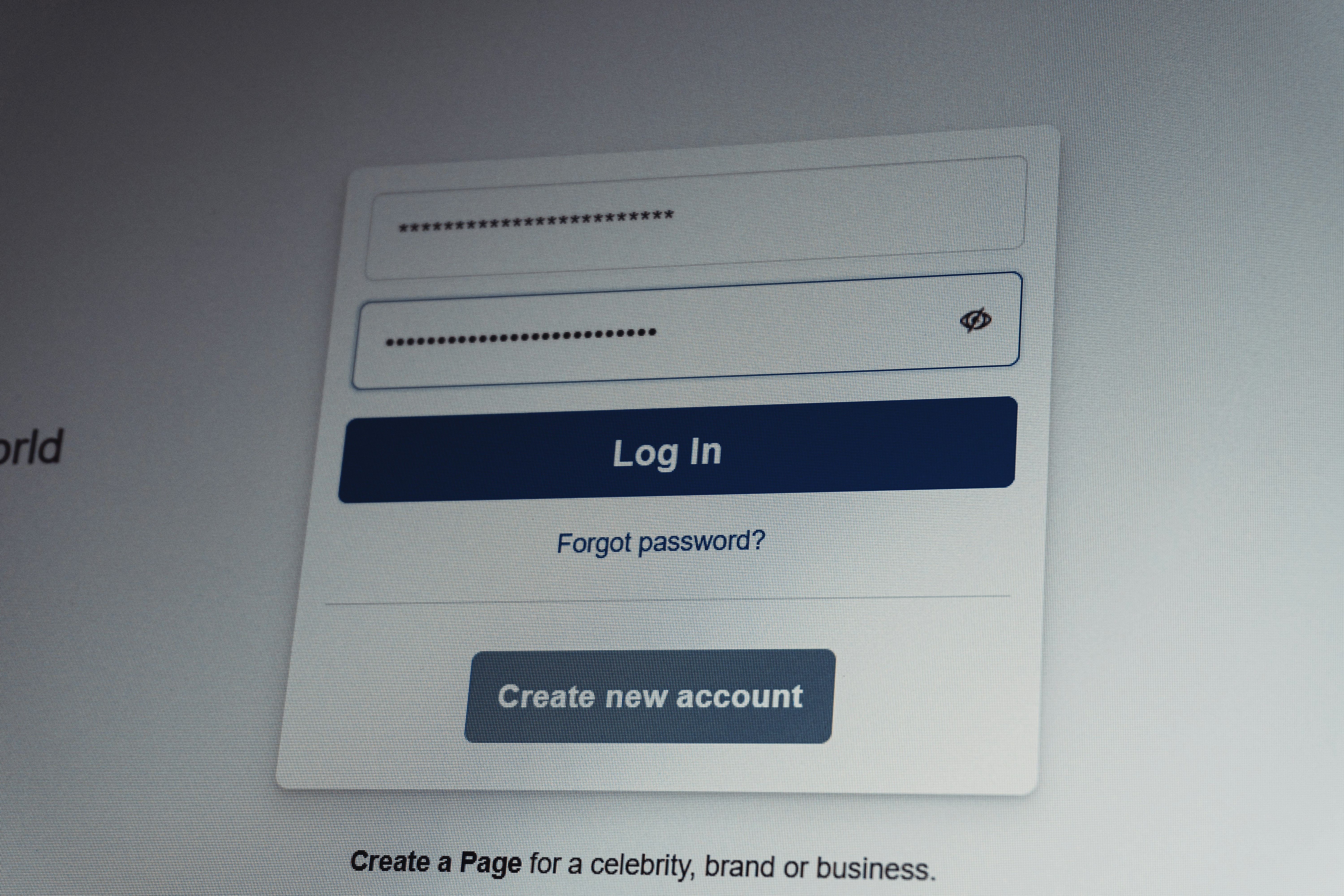
The safest goal is to use a different password for every important account. If you cannot remember them all, do not fall back on one weak password for everything.
A password manager is commonly recommended for keeping unique passwords organized. If you choose not to use one, a paper can also work. Ensure that the password manager that you are using is known to be safe, and ensure that the password for the password manager is not forgotten.
Do not leave written passwords taped to a monitor, stored in a phone notes app without protection, or shared with friends.
Extra Protection
Two-factor or multi-factor authentication adds another step after your password so it is harder for someone to get in even if they know your login.
Always check the website address before signing in. Scam pages are designed to look real so they can steal your email and password.
Your email account is often the key to resetting your other passwords, so it should have one of your strongest passwords and extra protection turned on.
Quick Reminder
Use unique passwords, avoid personal information, be careful where you sign in, and turn on extra security whenever a website offers it.